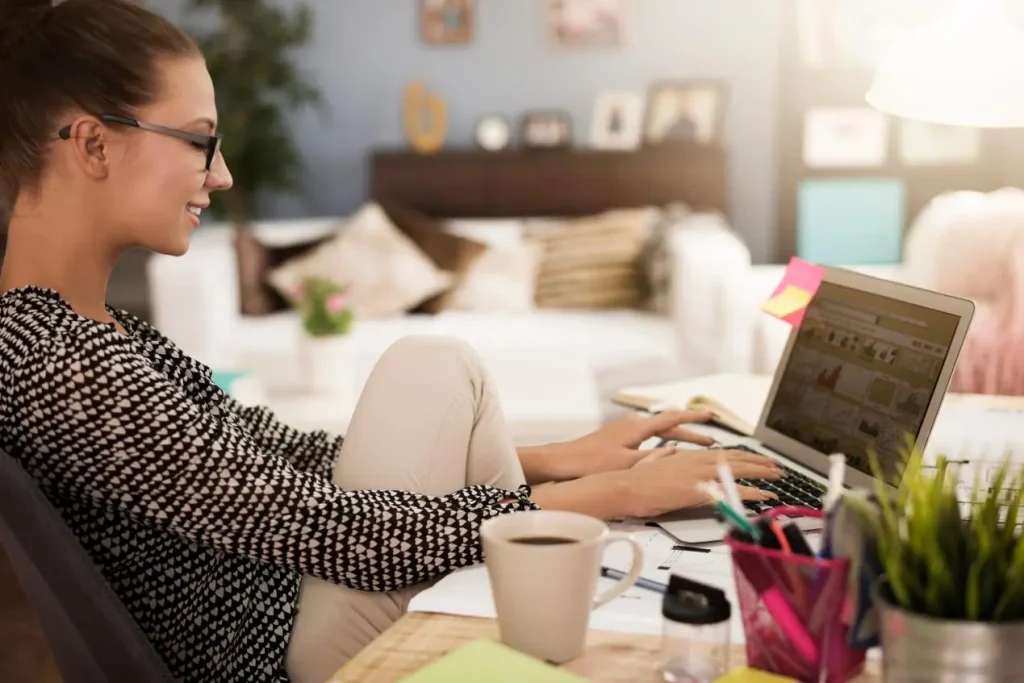
Three years ago, when remote working was just beginning, my “office” was just a corner of the dining table. I placed my laptop next to the unwashed dishes for video calls, and my family had to squeeze past me to get by. As time went by, I realized that a perfect home office couldn’t be achieved all at once; it needed to be gradually adjusted: a better chair, a neater desk, and those small tools that could be stored away when not in use. I saw many such items on Foldable Space that “open when needed and fold away when not” – they are perfect for people with small spaces who value the office environment and efficiency. I tried to write down all the things I’ve used over the years and the mistakes I’ve made, hoping it might be helpful to you.
First, Get the Basics Right
The first mistake I made was the chair.I started with a basic dining chair from IKEA. Hard, flat, and after an hour, I’d be shifting around constantly. I switched to an ergonomic chair with lumbar support, and the difference was immediate. If you’re sitting at a desk for four or five hours a day, the chair is the most important investment you can make. There’s data showing that 77% of remote workers report higher productivity at home—but that only works if you have the physical support to stay focused for eight hours.
Then there’s the screen. A laptop screen is just too small. Staring down at it for hours makes your neck creep forward. Adding an external monitor and raising it to eye level—or slightly above—takes a lot of pressure off your neck. If you can, a laptop stand to lift the secondary screen helps too. Dual monitors make a noticeable difference in efficiency.
Sitting and standing throughout the day is something I started doing recently. You don’t need a thousand‑dollar standing desk—a desktop riser for a couple hundred bucks works fine. Standing for an hour or two during the day cuts down on the fatigue that comes from sitting too long.
Even a Small Corner Can Be an Office
If you don’t have a dedicated home office, find a corner. Even one square meter is enough.
The key is that this corner needs a sense of boundary—it’s for work, not for eating, watching shows, or piling up random stuff. If possible, add a small rug, or use a different desk lamp from the rest of the room. These small cues tell your brain, “When I sit here, it’s time to work.”
Lighting matters too. Place your desk near a window if you can—natural light is better than any artificial source. If there’s no window nearby, a desk lamp with the right color temperature can make a big difference for your eyes.
Keep Only What You Need on the Desk
Keeping a desk tidy sounds simple, but it’s harder than it looks. My rule: only put what you’ll actually use today on the desk. Everything else goes away.
Papers, notebooks, chargers, headphones, water bottles—they all tend to multiply and cover the desk before you notice. I added a small cart next to my desk for things I use occasionally but not daily. Now my desk only holds my laptop, keyboard, mouse, and water bottle. So much cleaner.
Drawers need their own system. Pens, charging cables, sticky notes, staplers—if they’re all mixed together, finding anything takes forever. A few small organizer bins keep them separated so you’re not digging around every time.
Cables Are the Biggest Source of Visual Clutter
The most annoying thing on a desk isn’t papers or cups—it’s the tangled mess of cables.
Charging cables, display cables, keyboard cables, mouse cables—they crawl all over the desk, and just looking at them is exhausting. Plus, the more cables you have, the harder it is to wipe down the desk; you have to lift each one and put it back every time.
I started routing most of the cables underneath the desk. Using a few cable clips or a cable management sleeve, I ran them along the legs, leaving only the necessary part visible on top. Monitor cables go through the arm’s built-in cable channel. If possible, switch to wireless keyboard and mouse. Doing this one thing made my desk look twice as tidy.
Office Tools That Can “Disappear”
Some things aren’t needed every day, but when you need them, you really need them. For these, folding versions are great—they don’t take up space when you’re not using them.

Take a laptop stand. A fixed stand takes up desk space even when you’re not working. I switched to a foldable aluminum one; after work, I collapse it and put it in a drawer. When I need it again, it takes a few seconds to set up. Same for a tablet or phone—a foldable multi‑angle stand handles both without needing a separate holder for each.And it can also relieve neck pain. Working with your head lowered for a long time is very bad for your neck.
Desktop organizer bins can be bulky too. I switched to foldable ones that flatten when empty and slide into a shelf gap. These small items don’t seem like much on their own, but together they’re the difference between a desk that stays clean and one that doesn’t.
A Few Useful Details
A small plant: A little greenery in the corner makes the whole space feel more alive.
Take regular breaks: Set a timer—every 45 minutes, stand up and stretch.
Background noise: If your home isn’t quiet, a pair of noise‑canceling headphones will do wonders for your focus.
An end‑of‑day ritual: After work, put things back in place and close your laptop. That small act helps you mentally “clock out.”
A home office isn’t something you perfect in one go. It’s something you gradually adjust—a better chair this month, better cable management next month, a stand the month after. Every change makes the space a little more comfortable.
How to increase productivity in an office?
If you’re working from home, pick one thing that bothers you the most and start there. You don’t need to change everything at once. Just fix the one thing that’s most annoying, and you’ll see how comfort can slowly build up over time.