

The singer takes a breath, the drummer counts in and the first chord rings through the room. Those few seconds can be the strongest introduction a live-session video has. An added cinematic rumble may make the opening feel bigger, but it can also cover the small details that make this performance different from the studio recording.
Put the added sound outside the song first
Boom sounds are accents dominated by low-frequency energy, often heard as a deep thump followed by a resonant tail. Some finish quickly; others continue as a rumble. They can give weight to an opening graphic or a location shot, but they are separate additions to the recorded performance. A boom is not a substitute for a kick drum or an extra bass note.
Begin by identifying the boundary between the video’s introduction and the song. Suppose the opening shows the venue sign, then the artist tuning up before the first verse. A low accent beneath the venue name could work if its tail finishes before the tuning and count-in. The transition then leaves space for the actual room and musicians to establish the sound of the session.
That boundary need not be fixed to a particular number of seconds. An unaccompanied vocal opening may need complete freedom from added low-end sound, while a separate animated title offers more room to experiment. Discuss the choice with the artist. A presentation device should not quietly become an alteration to an arrangement they wanted listeners to hear intact.
Let the musicians provide the edit points
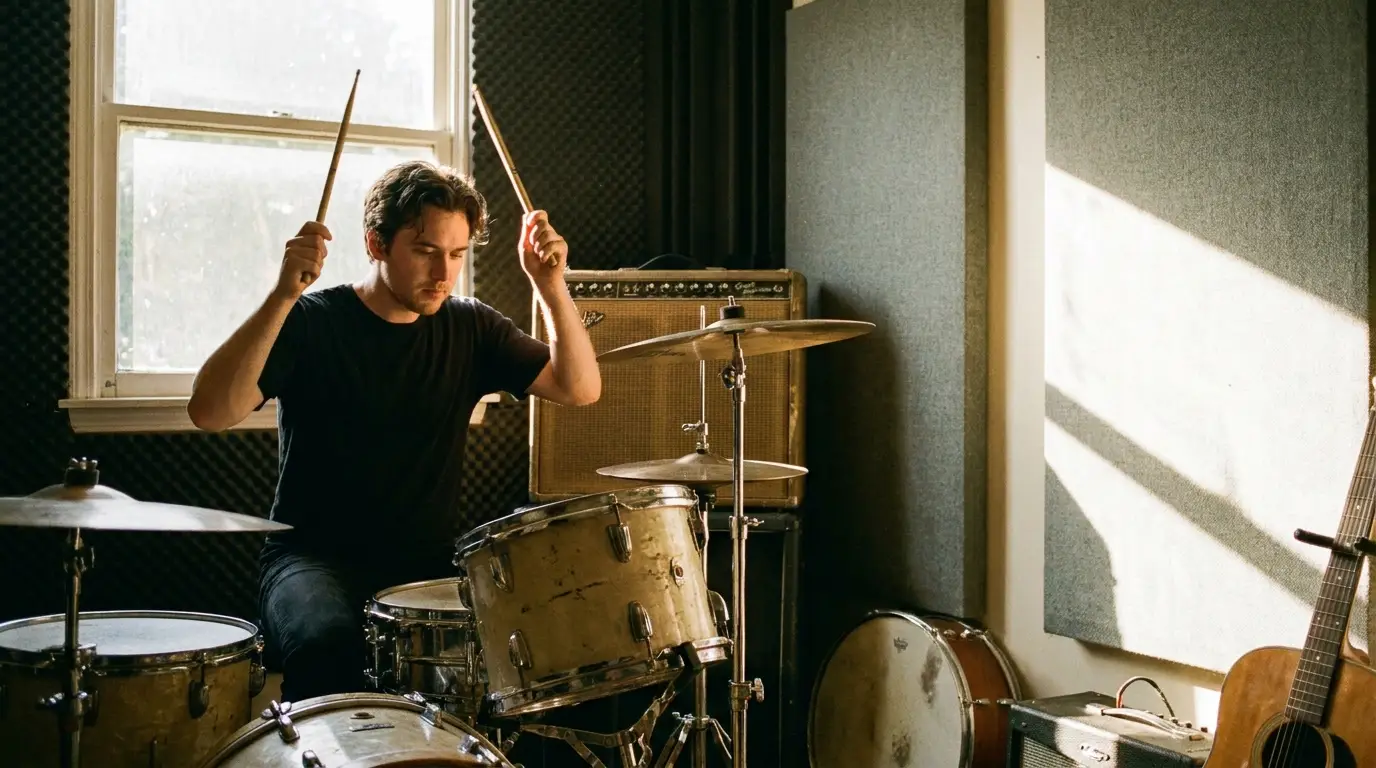
Once the song begins, look for transitions in the performance itself. A held chord, a breath before a chorus or a drummer lifting a stick can suggest where the picture should change. Moving between cameras does not require a new sound every time. The music continues across those cuts, giving the viewer a connection that a collection of added accents cannot improve automatically.
This distinction matters when a section becomes more energetic. A full-band entrance may already contain a strong kick and bass note. Placing a long boom over it can blur the attack or leave a low rumble under the following phrase. If an effect makes the entrance feel less precise, remove it before trying to repair the music around it. The performance is the reason for the video.
Treat a promotional extract as a separate edit
A short teaser has a different job from the complete session. It may combine an exterior, a brief performance excerpt and a release-date graphic. Additional sound can mark those changes, but the teaser should still give listeners a representative stretch of the song. Avoid covering the vocal hook with a succession of effects simply because the images change quickly.
Short hit sound effects can provide a more precise accent for a title appearing or a graphic stopping. A hit describes the immediate strike; a boom emphasises low-frequency weight. These categories can overlap, so judge the sample’s actual length and texture rather than relying on its label. A compact hit may be sufficient for the release date without another bass-heavy tail.
Give the teaser a clean entry and exit from the music. Listen to the words at the start of the excerpt and the note left hanging at its end. A graphic accent should not disguise a cut-off syllable or an awkward musical edit. Fix the excerpt first, then decide if its surrounding presentation needs any designed sound.
Keep a performance version for comparison
Retain the approved music mix on its own track and place added presentation effects separately. This gives the artist and editor a straightforward way to compare versions without changing the musical balance. During review, listen at the same playback volume rather than allowing a louder version to seem more convincing simply because it is louder.
Ask a few specific questions during that comparison.
- Is the count-in or first vocal breath still audible?
- Does the opening effect finish before the song needs the low-frequency space?
- Are the final chord and room decay allowed to end naturally?
- Does the teaser sound like the same performance as the full session?
Check on headphones and ordinary speakers, paying attention to the transition into the recording. If boom sounds disappear on smaller speakers, raising them until they dominate elsewhere is not a useful correction. The title and cut should remain understandable without that low-frequency weight. A successful presentation invites the listener into the room, then gives the musicians enough space to hold their attention.