

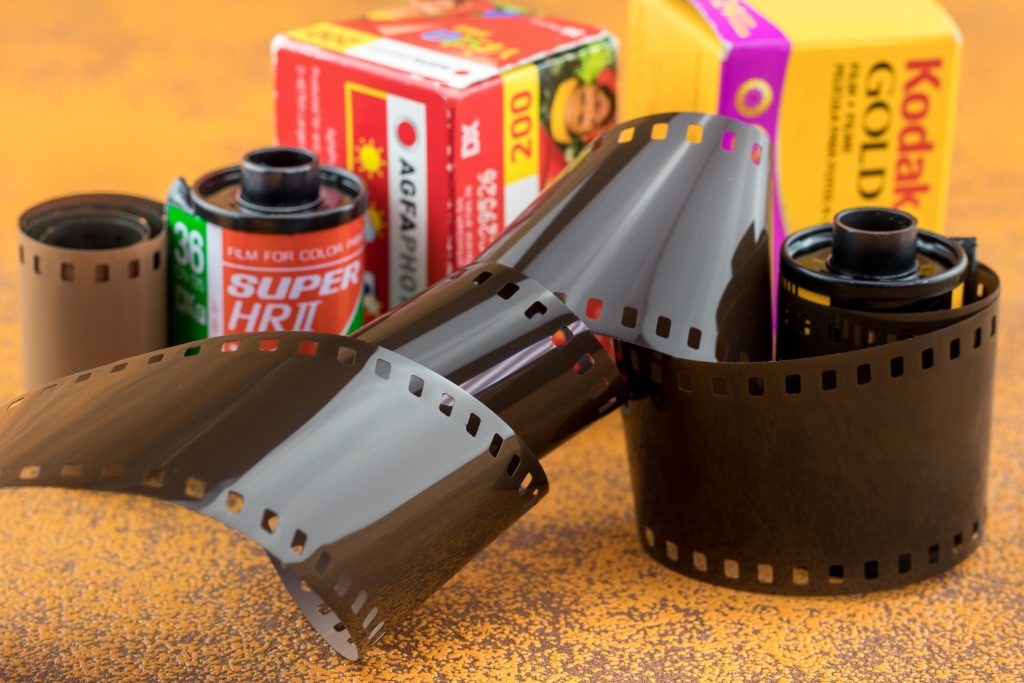
The best way to convert 8mm cine films is to have the original reels digitally scanned frame by frame using a dedicated cine film scanner. A good conversion should begin with film inspection and preparation, followed by high-quality scanning, appropriate colour and exposure correction, quality checking and delivery in a modern digital format.
The basic process is:
- Identify whether you have Standard 8 or Super 8 film
- Check the reels for damage, poor splices and contamination
- Clean and prepare the film where appropriate
- Scan the frames using specialist cine equipment
- Set the correct playback speed
- Apply appropriate colour and exposure correction
- Capture sound if the film has a soundtrack
- Create your chosen digital files
- Quality check the finished footage
- Keep both your digital copies and original reels
The important distinction is that cine film is photographic film, not videotape. The objective is to digitally capture the images contained on the physical frames.
First, Work Out Which Type of 8mm Film You Have
People often use “8mm film” as a general description, but two major home-movie formats are likely to be encountered: Standard 8 and Super 8.
Standard 8 is also called Regular 8 or Double 8. Super 8 is a later format that uses smaller perforations, leaving more of the film’s width available for the picture.
The US National Archives’ guide to identifying motion-picture film confirms that both formats are 8mm wide but explains that Super 8’s smaller perforations provide space for a larger image area.
A simple comparison is:
|
Feature |
Standard 8 |
Super 8 |
|---|---|---|
|
Film width |
8mm |
8mm |
|
Other common name |
Regular 8 / Double 8 |
Super 8 |
|
Perforations |
Larger |
Smaller |
|
Image area |
Smaller |
Larger |
|
Typical use |
Older home movies |
Later home movies |
|
Sound |
Usually silent |
Silent and sound versions exist |
If you aren’t certain which type you own, don’t try to force the reel through an old projector to find out. A specialist can usually identify the gauge from the film itself.
Why Frame-by-Frame Scanning Is Better Than Filming a Projection
One of the biggest differences between old and modern conversion methods is how the image is captured.
A traditional DIY approach involves projecting the film onto a screen and recording the projection with a digital camera. It can produce something watchable, but it introduces another optical stage between the original film and the final digital image.
Potential problems include:
- Flicker
- Uneven brightness
- Poor framing
- Loss of detail
- Reflections
- Camera alignment problems
- Projector instability
A dedicated cine film scanner instead captures the images directly from the film.
This is why a specialist 8mm cine digitisation service using dedicated film-scanning equipment can be preferable when the reels contain irreplaceable family footage.
For important originals, the goal should be to obtain a good digital capture while minimising unnecessary handling of ageing film.
Check the Condition Before You Convert 8mm Cine Films
Don’t assume an old reel is ready to run simply because it looks intact.
Film that has been stored for decades can develop physical problems. These may include:
- Failed or weak splices
- Torn perforations
- Dirt
- Dust
- Mould
- Poor winding
- Warping
- Shrinkage
- Brittle sections
Look at the reel and container without unwinding large quantities of film.
If you see mould, significant deformation or obvious damage, avoid running the reel through a projector.
Film preservation organisations treat inspection as an important part of handling old motion-picture material. The National Archives identifies gauge, base, colour characteristics and other physical attributes as part of assessing film material.
For valuable footage, assessment should come before playback.
Should Old 8mm Film Be Cleaned Before Scanning?
Usually, appropriate cleaning can help, but it needs to be done correctly.
Dust, fibres and surface contamination can become much more visible when a tiny film frame is enlarged onto a modern television.
Professional preparation may therefore include removal of loose contamination and attention to old splices before scanning.
Don’t use household cleaning sprays, water or improvised chemicals on valuable cine film.
The appropriate treatment depends on the film material and its condition.
Ask a conversion company:
- Is film inspected before cleaning?
- Is routine cleaning included?
- How are old splices handled?
- What happens if mould is present?
- Can damaged film be scanned?
- Are repairs included or separately charged?
Cleaning isn’t merely cosmetic. Proper preparation can also help the film travel more reliably through the scanning process.
How Much Resolution Does 8mm Film Need?
This question doesn’t have one universal answer.
Standard 8 and Super 8 frames are physically small. A higher-resolution scan samples the image more finely, but the amount of meaningful detail available ultimately depends on the original film.
Factors include:
- Film stock
- Camera lens
- Focus
- Exposure
- Camera movement
- Film condition
- Original processing
- Scanner quality
Therefore, don’t choose a service simply because it advertises the biggest number.
Ask what the scanner captures natively and what resolution the finished master will contain.
Higher-resolution scanning can be useful when you want:
- A strong preservation master
- Digital restoration
- Cropping or reframing
- Editing flexibility
- The best practical capture from a good original
However, a larger digital file can’t manufacture photographic detail that isn’t present on the film.
Scanner quality, exposure, stability and processing remain important alongside resolution.
What Does Sprocketless Scanning Mean?
Traditional film transport mechanisms can use sprockets that engage with the perforations running along the film.
That can become a concern when very old film has damaged or weakened perforations.
Some modern film scanners use sprocketless transport systems, reducing reliance on those perforations to pull the film through the mechanism.
This can be advantageous for ageing family films, although the condition of an individual reel still needs to be assessed.
If your films have torn perforations or questionable splices, ask the provider what kind of film transport its scanner uses and how it handles fragile material.
The word sprocketless alone doesn’t guarantee a better conversion. It is one element of the complete workflow, which should also include appropriate preparation, scanning and quality control.
What About Film Speed?
Getting the frames into a computer isn’t enough. They also need to be played back at an appropriate speed.
Old amateur films weren’t necessarily shot at the same frame rate as modern video.
If the final digital file is created incorrectly, people can appear to move unnaturally quickly or slowly.
A professional workflow should take the source material into account when creating the final playback file.
This is particularly important when different reels in a collection come from different cameras or periods.
If you’re unsure, ask:
How do you determine the correct playback speed?
A competent provider should understand why frame rate affects the natural appearance of movement rather than applying the same assumption blindly to every reel.
Can 8mm Cine Film Have Sound?
Yes, although many old 8mm home movies are silent.
Sound is more commonly associated with certain Super 8 films, where a magnetic stripe may be visible along the edge.
If you think your film has sound, mention this before ordering.
Ask:
- Can the company identify sound film?
- Can it capture the relevant soundtrack?
- Is sound included in the normal price?
- Will the audio remain synchronised with the picture?
Don’t assume that every cine scanner captures audio automatically.
The US National Archives notes that motion-picture film may contain audio information alongside the image, illustrating why sound needs to be considered separately from picture scanning.
If the original is silent, you may prefer to preserve it that way rather than automatically adding music.
MP4, USB or Another Format?
When you convert 8mm cine films, the scanner creates digital image information that ultimately needs to be delivered in a practical form.
For most families, MP4 is a useful viewing format because it’s widely supported and easy to copy.
You might receive it through a download, USB drive or hard drive.
|
Output |
Particularly useful for |
Main consideration |
|---|---|---|
|
MP4 |
Everyday viewing and sharing |
Convenient and widely compatible |
|
High-quality master |
Archiving and editing |
Larger files |
|
USB |
Easy physical delivery |
Make additional backups |
|
Download |
Fast access and family sharing |
Check availability period |
|
Hard drive |
Large cine collections |
Useful for high-volume files |
|
DVD |
Traditional television viewing |
Less flexible for future use |
If you’re deciding between physical and file-based delivery, this guide to preserving old 8mm footage on a USB drive explains some of the practical advantages.
For important films, consider retaining a higher-quality master alongside convenient MP4 copies.
What Can Colour Correction Improve?
Old cine film may not look exactly as you remember it.
Age, original exposure, processing and storage conditions can all affect appearance.
Digital correction may help with:
- Colour balance
- Exposure
- Contrast
- Brightness
- Overall consistency
But correction and restoration are not identical.
Basic correction aims to produce a balanced and watchable representation of the existing film. More extensive restoration might address flicker, instability, scratches or other visible defects.
Ask what is included in the standard transfer.
You may also want an unprocessed or lightly processed master alongside a restored version, particularly if the footage has historical significance.
Heavy digital processing isn’t always desirable. Old cine has its own photographic character, and excessive sharpening or noise reduction can make footage look unnatural.
Can Scratched 8mm Film Be Improved?
Sometimes, but expectations should remain realistic.
Surface scratches vary enormously. Some are light and can be made less noticeable through specialist scanning or restoration techniques. Others physically affect the image-bearing part of the film and may be much harder to disguise.
You may encounter wet-gate scanning, where a suitable fluid is used around the film during capture to reduce the visibility of certain surface abrasions.
Digital restoration can provide further options.
However, neither process can recreate image information that has been completely destroyed.
If scratches are a concern, ask:
- Is specialist scratch reduction available?
- Is wet-gate scanning appropriate?
- Is restoration automatic or manually reviewed?
- Can you see an example before committing to extensive restoration?
The objective should be improvement without creating an artificial-looking result.
Can You Convert 8mm Cine Film Yourself?
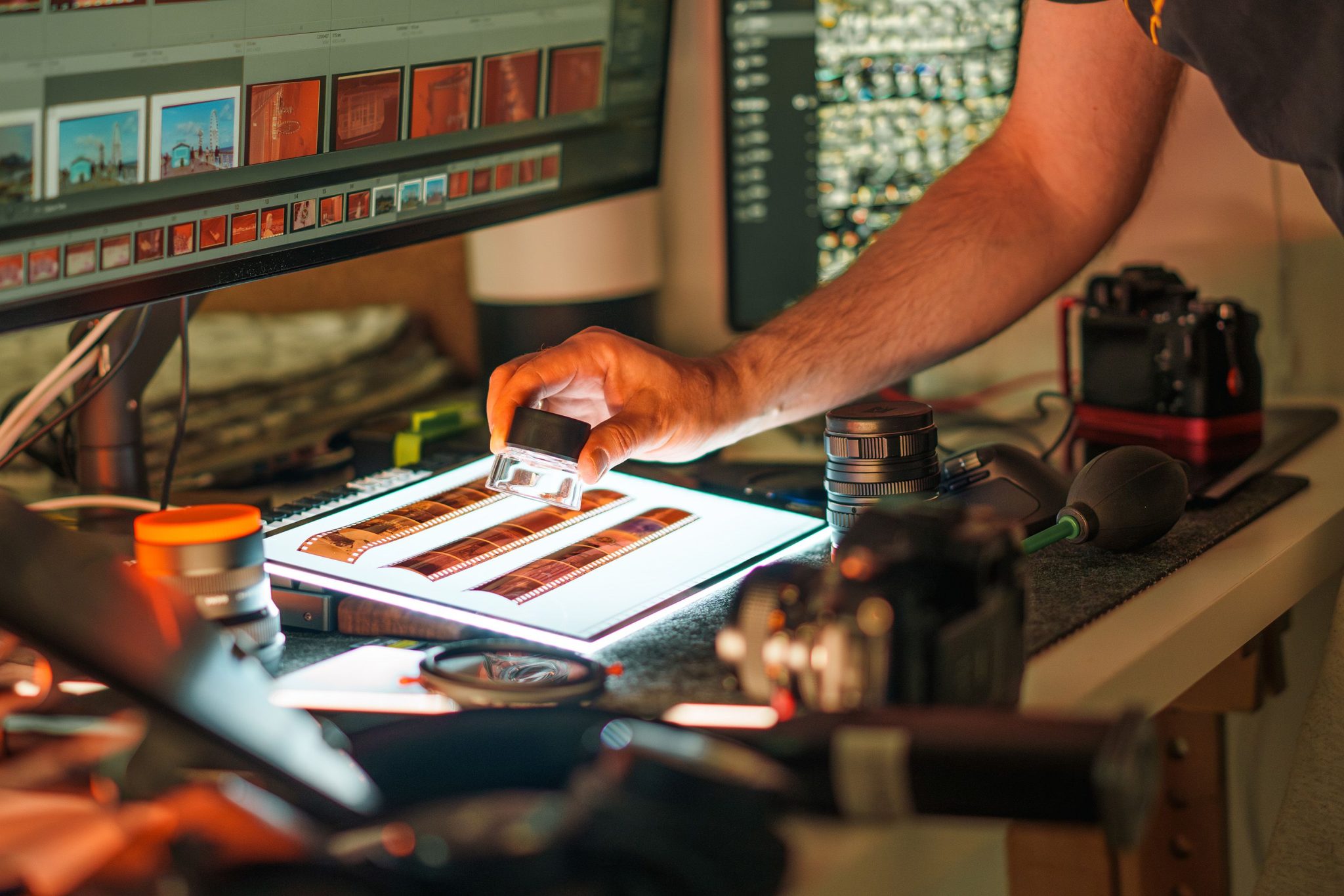
Yes, but whether you should depends on the importance of the footage and the result you want.
DIY approaches include:
- Filming a projector screen
- Using a consumer film digitiser
- Buying second-hand scanning equipment
- Constructing a camera-and-projector setup
For experimentation with non-critical footage, these approaches can be interesting.
For irreplaceable family films, there are additional considerations:
- Is the projector safe for old film?
- Are the splices strong?
- Can you clean the film appropriately?
- Is the image evenly illuminated?
- Can you avoid flicker?
- Is the film correctly framed?
- Can you maintain natural playback speed?
- What happens if the film jams?
The cost of professional conversion should be weighed against the value of the original, not just the cost of DIY equipment.
A reel containing the only moving images of a grandparent is difficult to replace if damaged.
How Much Does It Cost to Convert 8mm Cine Film?
Pricing varies according to the amount of film and the work required.
Companies may charge according to:
- Reel diameter
- Footage
- Running time
- Scanning resolution
- Required output
- Restoration work
When comparing quotes, ask whether the price includes:
- Film inspection
- Cleaning
- Basic repairs
- Splice repair
- Frame-by-frame scanning
- Colour correction
- Digital files
- USB or download
- Sound capture where applicable
- Return delivery
Don’t compare headline prices until you know what each one includes.
A slightly higher price that includes preparation, scanning and quality control may offer better overall value than a cheaper rate followed by several additional charges.
For several reels, ask whether volume pricing applies.
How Long Does 8mm Film Last?
There isn’t a fixed expiry date.
Film longevity depends heavily on its materials, processing, storage conditions and previous handling.
Heat, moisture and poor storage can accelerate deterioration, while cooler, stable conditions generally favour preservation.
This is one reason digitisation shouldn’t be postponed indefinitely when a reel contains important footage.
The aim isn’t to suggest that every old film is about to disintegrate. Many decades-old reels remain very usable.
Rather, digitisation reduces your dependence on an ageing physical original and increasingly uncommon projection equipment.
Once scanned, the original should still be retained and stored carefully.
Digital conversion creates another means of access; it doesn’t make the physical film worthless.
What Should You Do With the Original Reels Afterwards?
Keep them.
After conversion, store original reels somewhere:
- Cool
- Dry
- Clean
- Away from direct sunlight
- Away from significant temperature changes
- Protected from damp and leaks
Don’t keep your only digital copy beside the original reels either.
If a fire, flood or theft affects that location, both could disappear together.
A sensible preservation approach is:
- Keep the original cine reels.
- Keep your main digital files.
- Create at least one additional backup.
- Store one copy separately.
- Check your digital files periodically.
Digitisation is most useful when it becomes part of a wider preservation plan.
Common Mistakes When Converting Old 8mm Film
Avoid these common problems:
- Running fragile film through an old projector without inspecting it. Weak splices or damaged perforations may cause problems.
- Assuming every 8mm reel is the same format. Standard 8 and Super 8 need to be correctly identified.
- Choosing purely by resolution. Scanner design, film preparation and processing also influence the result.
- Adding music automatically to silent films. Some families prefer the authenticity of the original silent footage.
- Throwing away the original reels after digitisation. They remain the original source material.
- Keeping only one digital copy. Hard drives, USB devices and other storage can fail.
- Trying to clean valuable film with household products. Incorrect treatment can damage the film.
Questions to Ask an 8mm Cine Conversion Company
Before placing an order, ask:
- Do you handle both Standard 8 and Super 8?
- Is each reel inspected first?
- Is film cleaning included?
- How are weak splices repaired?
- Do you use frame-by-frame scanning?
- Is the transport sprocketless?
- What is the scanner’s native resolution?
- What digital resolution will I receive?
- Can you capture sound film?
- How do you determine playback speed?
- Is colour correction included?
- What restoration options are available?
- Which digital file formats can I choose?
- Are blank reels charged?
- How is the completed footage quality checked?
- Will my original reels be returned?
The quality of the answers can tell you considerably more than marketing claims alone.
Final Checklist Before You Convert 8mm Cine Films
Before sending your reels, confirm:
- The film format can be identified correctly
- Reel condition will be assessed
- Cleaning procedures are appropriate
- Weak splices can be dealt with
- Dedicated cine film scanning equipment is used
- The chosen resolution suits your needs
- Playback speed will be handled appropriately
- Sound can be captured if present
- Colour correction is explained
- Restoration is optional where appropriate
- Your chosen digital output is available
- Completed files receive quality checks
- Original reels will be safely returned
- Pricing and possible extras are clear
The best way to convert 8mm cine films is ultimately the one that protects the original while creating a faithful, practical digital master you can watch, copy and preserve. For irreplaceable family footage, it therefore makes sense to use a professional company with years of cine-film handling and scanning experience, such as Supaphoto Ltd, rather than risk the only surviving copy of an important memory with an unsuitable projector or basic transfer setup.