


Movie night is more relaxed when everyone has a decent seat and the remote is easy to find. A clear view, somewhere to put a drink, and equipment you can use without moving furniture all make a difference once friends arrive.
Those same details help when the movie turns into a few rounds on the game console. Keep the equipment near the TV and arrange the seats so people can reach drinks and get up easily. Much of this can be done with the furniture you already own.
How Much Room Does Your Gear Need?
Start with the equipment that stays connected to the TV. A console or streaming box needs a shelf with room for the device and its cables. Game cases, spare controllers, and a headset can go in a drawer or cupboard when you’re done with them.
A modular entertainment center combines several furniture pieces around the TV. The set might include a low cabinet and side storage, or taller shelves for books and things you want on display. Match the included pieces to the equipment and belongings you want to keep near the screen.
Compare the arrangement’s total dimensions with your wall space, including the gap for the TV between any tall units. If the television will stand on a cabinet, check its base dimensions and weight against the furniture’s specifications and stated TV-size recommendation.
Open shelves give books, movies, and a few favorite objects somewhere to go, while closed cupboards can hold games and spare cables. Leave a clear, reachable spot for the equipment you turn on every day, then arrange the display items around it.
Where Will Everyone Sit?
Try each guest seat before inviting people over, including a chair you might bring in from another room. Put on a scene with subtitles and sit at the far end of the couch, then in any extra chair. If reading the screen means leaning forward or turning sideways, that seat needs a better position.
If an extra seat would get used regularly, compare an accent chair from Belleze furniture with the space beside your sofa. Include room for someone to sit down and get up when judging its width and depth.
A chair you already own may work just as well for an occasional guest. Face it toward the screen for the movie and turn it toward the couch afterward so conversation feels comfortable. That flexibility is useful in a living room that has to do several jobs.
Give each seat somewhere reachable for a drink. A small side table can leave more walking space than a larger coffee table in a narrow room. Try the route to the kitchen with everyone seated; asking several people to move whenever someone wants a refill gets old quickly.
Put a shared bowl of popcorn where people can reach it without stretching across a neighbor. For seats beyond the coffee table, individual bowls may be easier than adding another table to an already full room.
Set out the seats you expect to use before people arrive. If an extra chair blocks the door or leaves someone directly behind another person, adjust the arrangement while you can still move things easily. It helps to judge the room with coats and bags put away, too, so they don’t end up occupying the seats you’ve made available.
A Shelf for the Streaming Box or Console
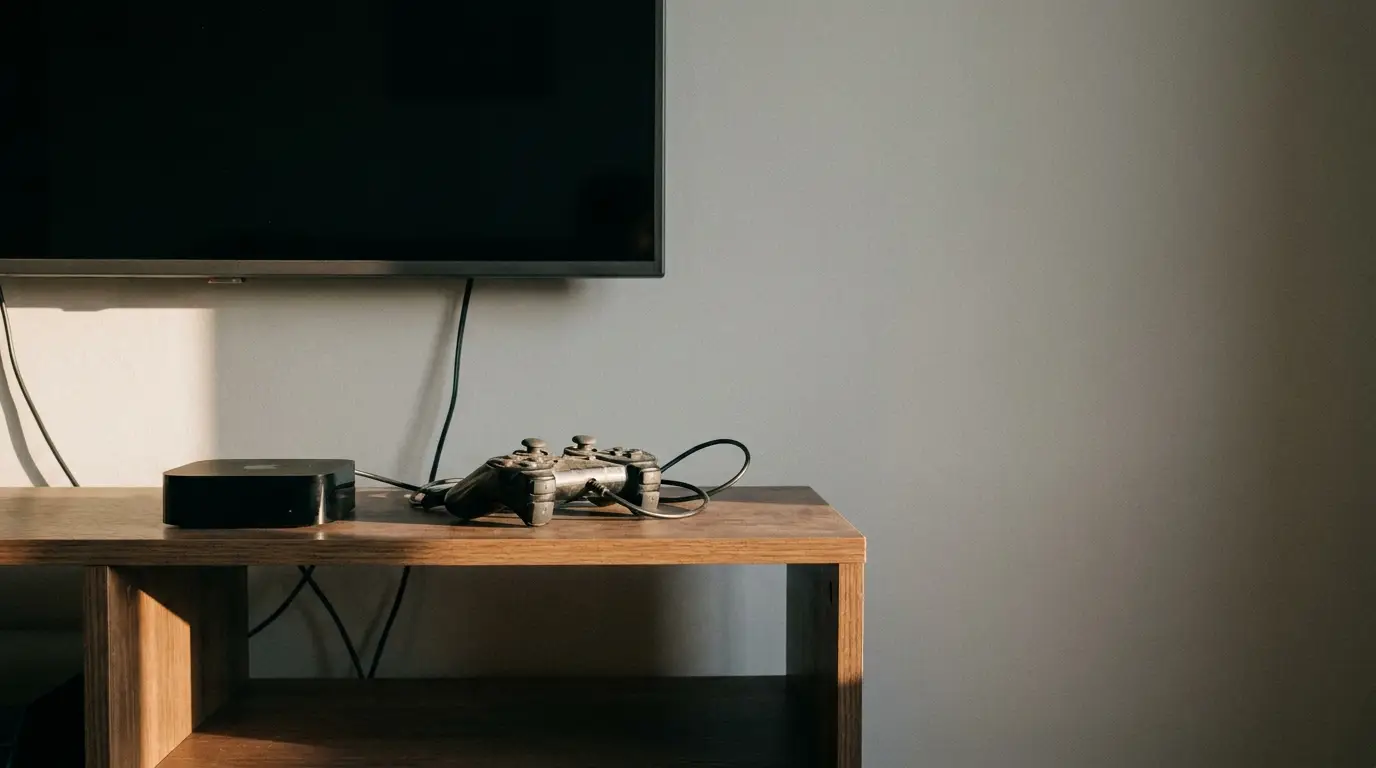
Give each connected device a shelf with the ventilation space its manufacturer specifies. Include the plugs and cables behind it when judging shelf depth. Keep regularly used ports within reach, especially if friends bring a console, and leave enough space to connect and disconnect cables without shifting the TV.
Labeling similar-looking cables makes them easier to identify later. Reusable ties can group them without pulling them tight. Route leads behind the furniture and leave access for cleaning or connection changes. Give controllers a regular charging spot, with the charging lead kept out of the walkway.
Once everything is in place, play a few minutes of a movie from the source you plan to use. Do it from the couch, with the remotes you’ll have nearby. Deal with any sign-in prompts before your guests sit down. You can find a missing remote or an awkwardly placed control while there’s still time to sort it out.
Lights and Sound for Movie Night
A lamp that looks fine from the couch may reflect in the screen from a side chair. Switch on the TV and look from both seats, then move the lamp or adjust its shade until the reflection is out of the way.
Leave enough light near the seats to find a drink and see the way out of the room. A dimmable lamp is useful if you have one; otherwise, try different combinations of the lights already there. Keep a switch within reach for when the movie ends and people stay to chat.
Continue that trial with a scene that has dialogue, using the volume you’d choose for the evening. Listen from the extra seats as well as the couch. If a seat gets a poor view or makes the dialogue hard to follow, try another position.
For daytime games or an early movie, check the windows while you’re seated, too. A curtain or shade may deal with a reflection without changing the whole furniture arrangement.
Putting the Room Back Afterward
Give remotes and controllers a regular spot close to where they’re used. A drawer is handy if it’s easy to reach and has room to put things away without repacking it. Keep spare cables and accessories you rarely use elsewhere so they don’t bury the remote everyone is looking for.
With cups back in the kitchen and games returned to their shelf, you can turn an extra chair toward the couch for conversation or return a borrowed chair to its usual room. A basket beside the sofa gives blankets a place to go when you’re finished with them.
Put the items used most often where they’re easiest to return. If the headset stays on the coffee table because its shelf is awkward to reach, give it a closer spot. Leave the remote where the next person will look for it.