Most project schedules don’t fail because teams aren’t working hard enough. They fail because the tools aren’t built for managing the scale those teams handle. The best CPM scheduling tools give you real control over dependency logic, path accuracy, and resource loading across hundreds or thousands of interlinked activities. After reviewing the leading options across construction, engineering, and infrastructure projects, it’s clear that a few platforms genuinely outperform the rest. This guide covers the top five tools worth your attention in 2026.
How this ranking was put together
Every option on this list was evaluated using publicly available information, including user reviews, feature documentation, case studies, and ratings pulled from review platforms and official company websites. Only platforms with a demonstrated track record in real project management environments made the cut.
- Planera – Best for construction CPM scheduling and real-time team collaboration
- Procore – Best for enterprise construction management
- monday.com – Best for enterprise project management and workflow automation
- Wrike – Best for enterprise project management and cross-functional workflow coordination
- Autodesk Construction Cloud – Best for general contractors, specialty contractors, and construction owners
Why CPM Scheduling Tools Are Worth a Closer Look
Construction schedules carry real stakes. A missed dependency, an over-allocated resource, or a drifting path can push a project weeks behind before anyone notices. Managing sophisticated dependency logic across thousands of interlinked project activities isn’t something a spreadsheet handles well, and neither can a general-purpose task manager. The right CPM scheduling tool keeps your path accurate even as scope changes, flags resource over-allocation before it causes delays, and provides your whole team with a single source of truth. Better tooling connects directly to better Schedule Performance Index (SPI) scores, healthier Critical Path Length Index (CPLI) readings, and tighter control over Total Float consumption rate before it disappears entirely.
Comparing the 5 Best CPM Scheduling Tools
Note: All data in this table is sourced from review platforms and the official websites of the listed companies.
|
Company Name |
Years Operating |
Headquartered In |
|
Planera |
Est. 2021 |
San Ramon, CA / San Jose, United States |
|
Procore |
Est. 2002 |
Carpinteria, California |
|
monday.com |
Est. 2012 |
Tel Aviv, Israel |
|
Wrike |
Est. 2006 |
San Jose, California |
|
Autodesk Construction Cloud |
Est. 2019 |
San Francisco, California |
-
Planera – Best for Construction CPM Scheduling and Real-Time Collaboration

What Services Are Offered by Planera?
Planera builds collaborative CPM scheduling software for construction teams. The platform lets contractors create resource-loaded and cost-loaded schedules without needing a dedicated scheduling expert on staff (which is rarer than you’d think on mid-size projects). Their digital whiteboard interface keeps office and field teams working from the same live schedule, and the platform connects directly with Procore, Autodesk, Primavera P6, and Microsoft Project. That kind of connection depth is hard to match at this stage of a company’s growth.
Why Does Planera Stand Out for CPM Scheduling Tools?
Planera directly addresses the gap between complex CPM scheduling and accessible daily use, making it possible for project teams to build and maintain accurate schedules without deep scheduling knowledge. Teams report strong results, with clients like Granite, Barton Malow, and Blach Construction running live projects on the platform across 500+ active schedules.
What Users Are Actually Saying:
Construction teams respond well to how quickly they can get a schedule built and shared across the team. Users consistently point to real-time collaboration as a genuine differentiator compared to more traditional tools. And honestly, for a company founded in 2021 with $26.9M in total funding, the client roster is impressive. It suggests the product is earning its reputation on actual job sites, not just in demo environments.
-
Procore – Best for Enterprise Construction Management

What Services Does Procore Provide?
Procore covers the full construction project lifecycle, from preconstruction through financial closeout. The platform brings together project management, workforce management, cost tracking, safety, and analytics under one roof. Their AI layer, Procore Helix, adds automation for document summarization and schedule-related workflows, and Procore Copilot handles RFI and submittal processing. With over three million projects run across 150+ countries and a community of more than two million users, the scale here is genuinely enterprise-grade (think large general contractor territory).
Why Does Procore Stand Out for CPM Scheduling Tools?
Procore’s unlimited user model solves a real problem for large construction organizations where licensing costs typically explode as project teams grow. The breadth of construction-specific modules, combined with AI-backed scheduling assistance, means teams can connect schedule performance directly to cost and safety data in one platform.
What Users Are Actually Saying:
Users consistently highlight the platform’s depth and the benefit of having everything in one place rather than jumping between tools. SelectHub analysts have given it best-in-class marks for mobile capabilities and integrations, which tracks with what field teams tend to say. The learning curve gets mentioned occasionally, but most teams find the investment worthwhile given what the platform can do.
-
monday.com – Best for Enterprise Project Management and Workflow Automation
What Services Are Offered by monday.com?
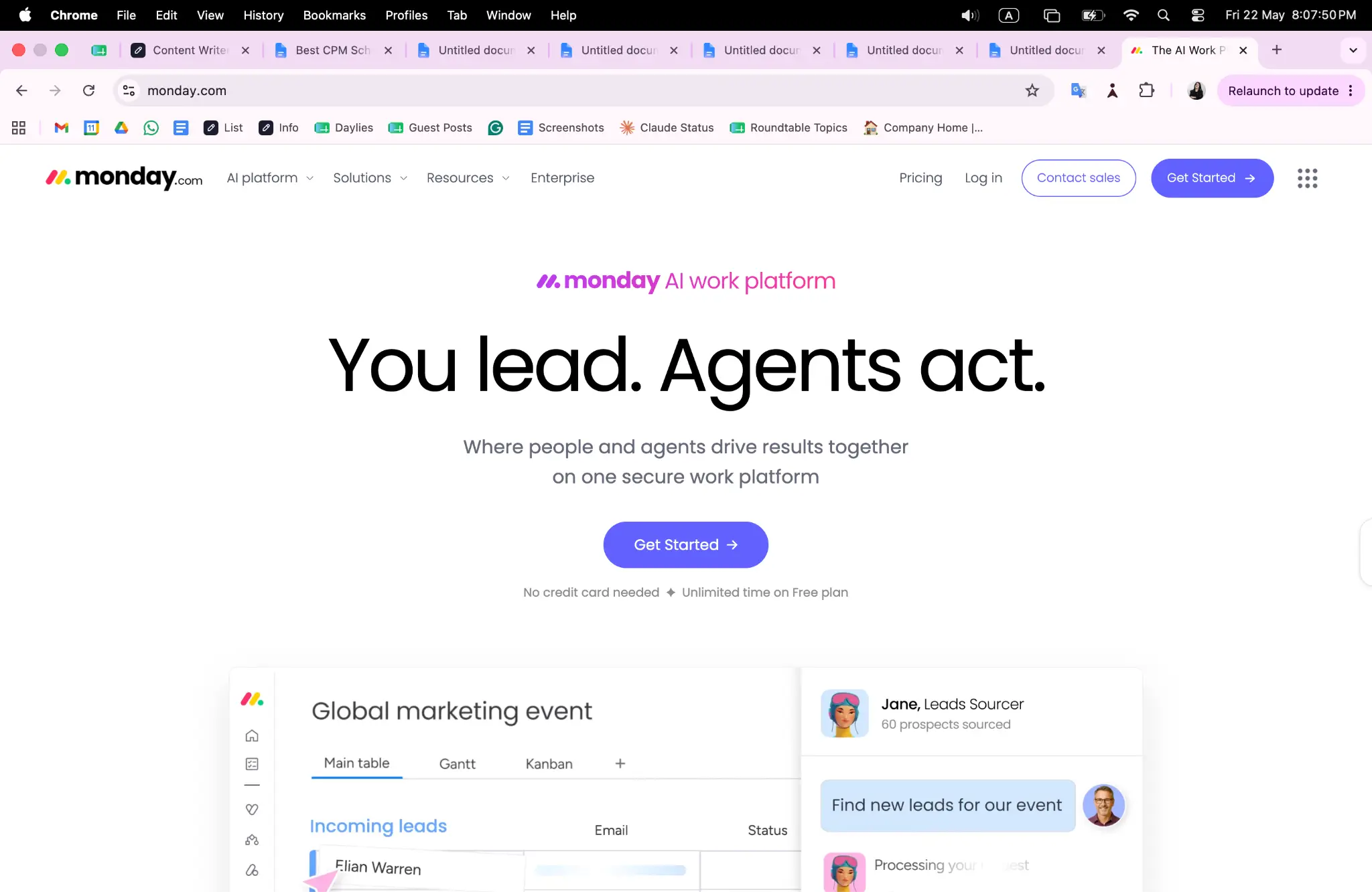
monday.com gives teams a modular visual work platform they can shape to almost any workflow. The main product handles project portfolios, workload management, and team collaboration, while add-on products cover CRM, dev workflows, and service desks. WorkCanvas adds digital whiteboarding, and the open API architecture (released in 2020) lets developers build custom extensions on top. Over 152,000 customers across 200+ industries use the platform, so the breadth of use cases here is wide.
Why Does monday.com Stand Out for CPM Scheduling Tools?
The platform’s deep customization means teams can build scheduling views and dependency tracking that fit their specific project methodology rather than forcing workflows into a rigid structure. Being named a Leader in the Gartner Magic Quadrant for Adaptive Project Management and Reporting for four consecutive years signals consistent execution. That’s not a one-time win.
What Users Are Actually Saying:
Teams praise the flexibility and how fast new members can get up to speed. Enterprise clients like Indosuez reported 50% productivity gains, which is the kind of result that stands out even in a crowded market. Some reviewers note that very complex CPM dependency logic requires more configuration work than purpose-built construction tools, which is worth knowing before you commit.
-
Wrike – Best for Enterprise Project Management and Cross-Functional Workflow Coordination
What Services Are Offered by Wrike?
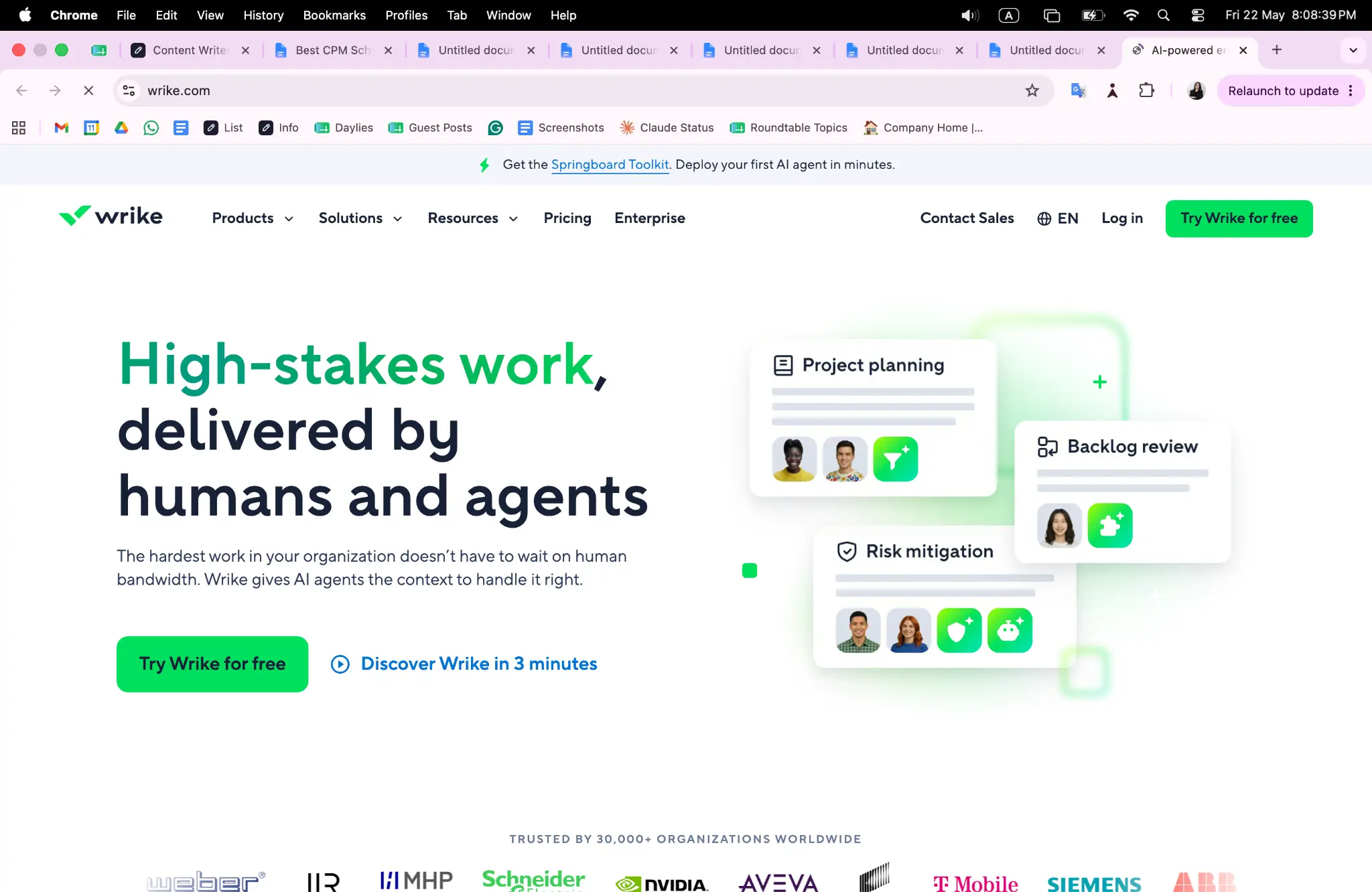
Wrike is a project and collaboration platform that handles scheduling, workload management, time tracking, and cross-team coordination. Interactive Gantt charts, customizable data tables, and workload views are all built into the product. The platform connects to 400+ applications and uses AI to surface recommendations and flag potential schedule risks. With 20,000+ customers and enterprise clients like Siemens, Estee Lauder, and Nickelodeon, Wrike plays in serious cross-functional territory.
Why Does Wrike Stand Out for CPM Scheduling Tools?
Wrike takes on the challenge of coordinating schedules across multiple departments and teams that don’t share the same project language, pulling them into a single configurable workspace. The reported results, including 50% productivity gains and a 90% reduction in internal email, suggest the platform genuinely changes how teams manage time and dependencies rather than just adding another layer of software.
What Users Are Actually Saying:
TrustRadius awarded Wrike a Top Rated honor in 14 categories in 2024, and users back that up by pointing to the Gantt chart functionality and resource views as standout features. Reviewers from larger organizations tend to appreciate the configurability most, while smaller teams sometimes find the feature set more than they need. So if you’re enterprise-sized, that’s a good sign for fit.
-
Autodesk Construction Cloud – Best for General Contractors, Specialty Contractors, and Construction Owners

What Services Are Offered by Autodesk Construction Cloud?
Autodesk Construction Cloud covers project management from design through operations, with tools for cost management, safety, BIM coordination, and quantity take-off. The platform serves general contractors, specialty contractors, and owners, and its BuildingConnected network connects nearly one million subcontractors into the ecosystem. Clash detection, office-to-field collaboration, and risk identification are all built into the product. Over two million construction jobs worldwide have run on this platform, which puts it in a category of its own for sheer reach.
Why Does Autodesk Construction Cloud Stand Out for CPM Scheduling Tools?
The platform’s tight link between BIM data and project scheduling means teams can catch spatial conflicts before they become schedule delays. That’s a workflow advantage more generic tools simply can’t replicate. The 2023 Technology Solution Award and client results like CCPI delivering 97.8% of projects on time show the platform performs well when measured against real schedule outcomes.
What Users Are Actually Saying:
Users from both the contractor and owner sides mention the quality of the BIM integration and the visibility it gives across the full project. Brinkman Construction reportedly completed tasks twice as fast after adopting the platform, and that kind of result gets noticed. The platform sits at a higher investment level (not entry-level pricing by any stretch), but teams that need the full design-to-operations workflow generally find it worth it.
Methodology Behind These Picks
Gathering Information for Your Analysis
The research process started by pulling together a wide pool of CPM scheduling and construction project management tools from multiple sources. Directories, software review platforms, vendor case study libraries, and construction industry publications all contributed to building the initial longlist. Each tool was examined through the lens of what a construction project team actually needs, covering scheduling depth, dependency management, resource loading, and integration with field workflows. The goal at this stage was breadth, not filtering, so any platform with a visible presence in the construction scheduling space was included.
The Shortlist Cut
Once the full pool was assembled, options without verifiable real-world use in project management environments were removed. Review patterns across multiple platforms were analyzed to separate tools with consistent client responses from those with thin or inconsistent signals. Platforms that appeared frequently in construction-specific contexts, had documented client results, or showed up in multiple independent sources, moved forward. Tools that lacked meaningful evidence of use on actual projects, regardless of how polished their marketing appeared, were dropped at this stage.
Fact-Checking the Picks
Each remaining platform was cross-referenced between its own website claims and what independent reviewers and clients actually reported. Where a company claimed outcomes (faster task completion, improved on-time delivery, productivity gains), the supporting evidence was checked to confirm it wasn’t just marketing copy. Case studies from named clients carried more weight than general claims. This step helped separate platforms that genuinely perform on complex schedules from those that describe capabilities they don’t fully deliver in real situations.
Authority Signals and Industry Standing
Recognition from credible third parties was factored in at this stage. That included analyst rankings like the Gartner Magic Quadrant, awards from construction industry organizations, and mentions in reputable publications. A platform that earns consistent recognition across multiple years and multiple sources is demonstrating something real about its market position and delivery quality. These signals don’t replace performance evidence, but they do confirm that a platform is being taken seriously by people outside its own marketing team.
CPM Scheduling Tools Track Record
The final filter focused on evidence of strong performance in CPM scheduling contexts. Dedicated scheduling feature pages, verified reviews from project schedulers and construction managers, and documented results tied to real project delivery were all examined. Platforms that could demonstrate a clear track record of supporting complex CPM schedules, managing large activity counts, and connecting schedule data to cost or resource outcomes ranked more favorably. The final five on this list all cleared that bar with evidence to support it.
Picking the Right CPM Scheduling Tools for You
Choosing the right CPM scheduling tool comes down to where your team is today and what complexity you’re managing. A 20-person subcontractor has different needs than a regional general contractor running multiple concurrent projects. Here are the factors that matter most.
- Industry and Domain Experience: Look for tools that have documented use in your specific sector. A platform with real construction clients and verified case studies will fit your workflows faster than a general project management tool you have to configure from scratch.
- Features and Services: Check whether the platform handles resource loading, dependency logic, and cost integration natively. If you need those features and the tool doesn’t offer them, you’ll be working around the software instead of with it.
- Pricing Structure: Understand how pricing scales with your team. Some platforms charge per seat, others offer unlimited users, and a few sit at enterprise pricing levels that require a conversation with a sales team. Know what you’re getting into before the demo.
- Results Measurement: The best platforms make it easy to track Schedule Performance Index (SPI) and baseline variance without building custom reports. If a tool can’t surface those numbers quickly, that’s a real limitation on a live project.
- Industry Knowledge and Compliance: For teams working on government or federal projects, make sure the platform supports PMBOK scheduling standards and DCMA 14-Point Assessment requirements. Not every tool is built for that level of schedule scrutiny.
The Verdict
CPM scheduling is where project delivery actually gets won or lost. The five tools on this list each bring something real to the table, but the right fit depends on your team’s size, project complexity, and integration needs. Planera is the standout for construction-specific CPM work. Procore and Autodesk Construction Cloud lead at the enterprise end. As construction projects grow more complex, the gap between purpose-built scheduling tools and general alternatives will only widen.