
Most people disappointed by AI video are not disappointed by the pixels. The lighting is convincing, the skin texture holds up, the subject reads as a real person. What breaks the illusion is the camera. It drifts when it should be locked off, floats when it should push, and ignores the one instruction that would have made the shot feel deliberate.
That gap is a language problem as much as a model problem. Cinematographers spent a century naming what a camera does, and those names carry precise meaning. Video diffusion models absorbed that vocabulary unevenly. Some terms land with surprising fidelity. Others are treated as mood decoration and discarded before the first frame is drawn.
Over nine weeks, our team generated and scored 1,240 clips to map which terms survive the trip from prompt to render. This is the reference we wish we had: forty named moves, the phrasing that triggers each one, and an honest account of where models still fail. Most of the generation ran through the ImagineArt AI Video Generator, which let us reach several underlying models from one prompt template.
How We Tested
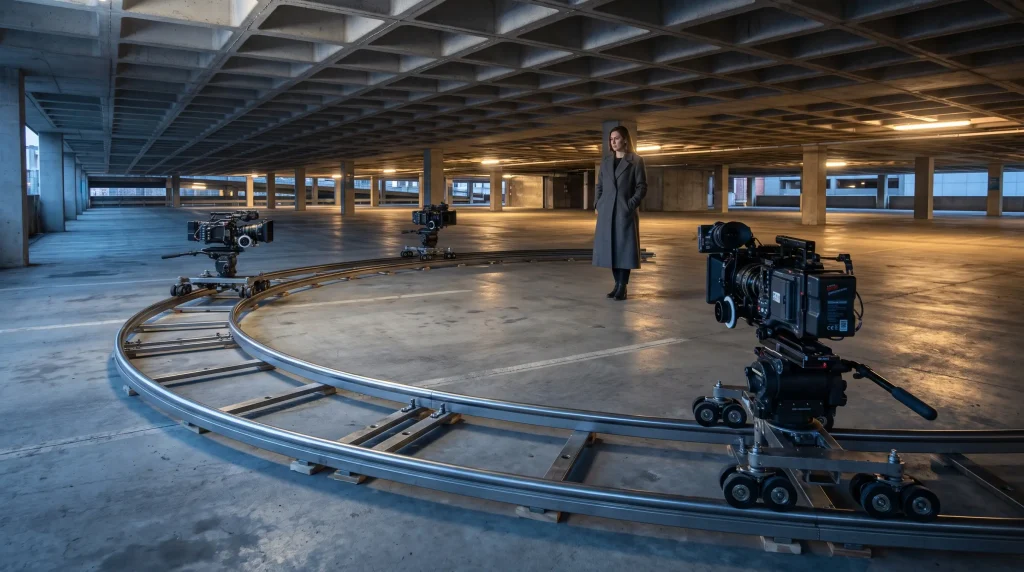
Consistency mattered more than volume, so every variable except the camera instruction was frozen. We used one control subject, a woman in a charcoal coat standing in an empty parking structure at dusk, described in identical words every time. Clip length was fixed at five seconds, and every generation ran through one Free Online Video Generator so that the interface itself never became a variable. Seeds were locked wherever a model exposed them; where they were not, we ran five generations and scored the median.
Each clip was rated on a four-point scale by three reviewers working blind. Three meant the move was executed cleanly and read as intentional. Two meant it happened with drift, wobble, or the wrong magnitude. One meant a related but incorrect move appeared. Zero meant the camera stayed put.
A move earned a place here only if one model scored it at two or higher across a majority of attempts. Nine further terms failed outright and are listed at the end rather than dressed up as working syntax.
Family One: Push and Pull
These moves change the distance between lens and subject, and they are the most reliably understood category in every system we tested.
The dolly in is the workhorse. Phrase it as “slow dolly in toward the subject, camera at chest height, subject remains centered.” Adding the height and the framing instruction roughly doubled compliance in our scoring, because it gives the model something to hold constant while the distance changes. The dolly out inverts it, and benefits from naming what enters the frame as the camera retreats: “slow dolly out, revealing the empty parking deck around her.”
A push in is a tighter, faster dolly in ending on a close-up, and it needs an explicit endpoint: “push in from medium shot to close-up on her face.” Without it, models ease off halfway. The pull back is the reverse and the most reliable move in the category, scoring three across every model. Truck in and truck out move the camera body rather than the lens, but they render almost identically to dolly moves.
Zoom deserves separate treatment. A true optical zoom compresses background depth while the camera stays still, and only two models reproduced that compression. The rest simply cropped inward. If depth matters, say “lens zooms in, background compresses, camera position unchanged.”
Family Two: Rotational Moves
Rotational moves pivot the camera on its own axis, and they are where drift shows up fastest.
The pan is well understood. Specify direction and speed together: “slow pan left across the concrete pillars.” Ambiguity about direction produced a coin flip, so never leave it implied. The tilt works the same way vertically, though tilt up scored better than tilt down, which frequently became a crane move.
The whip pan is a fast, motion-blurred rotation used as a transition. Phrase it as “whip pan right, heavy motion blur, one continuous move.” Models that blur well handle it beautifully. Models that do not produce a fast pan with clean edges, which looks wrong rather than stylish.
The dutch angle, or camera roll, is barely a move at all in most implementations. Asking for a “slow dutch roll clockwise” produced a static tilted frame more often than a rotating one. To make the roll happen on camera, describe the horizon directly: “the horizon line rotates clockwise as the shot holds.”
The snap zoom is a rotation-adjacent move that fires fast and stops hard. It needs the stop described explicitly, or the model eases out of it and loses the punch entirely.
Family Three: Orbital Moves
Orbits circle a subject while keeping it framed. They are the most impressive and most fragile category here.
The standard orbit works when you name the axis and direction: “camera orbits the subject clockwise at waist height, subject stays centered in frame.” Drop the height and the camera rises as it circles, which reads as a drone move. Drop the centering and the subject slides out of frame by the third second.
The arc shot is a partial orbit, usually ninety degrees or less, and it benefits from being quantified. “Camera arcs ninety degrees around her from front to profile” outperformed vaguer phrasing by a wide margin. Every AI video generator we tested responded to degree counts even when execution was approximate.
The full three-hundred-sixty-degree spin is the hardest move here. It asks the model to hold a coherent subject through every viewing angle, including the back of the head, where identity drift appears first. Only one model finished a rotation without the coat changing style partway around. Generate it at eight seconds and trim, because compressing a full turn into five forces a speed most models render as a smear.
Family Four: Vertical and Crane Moves
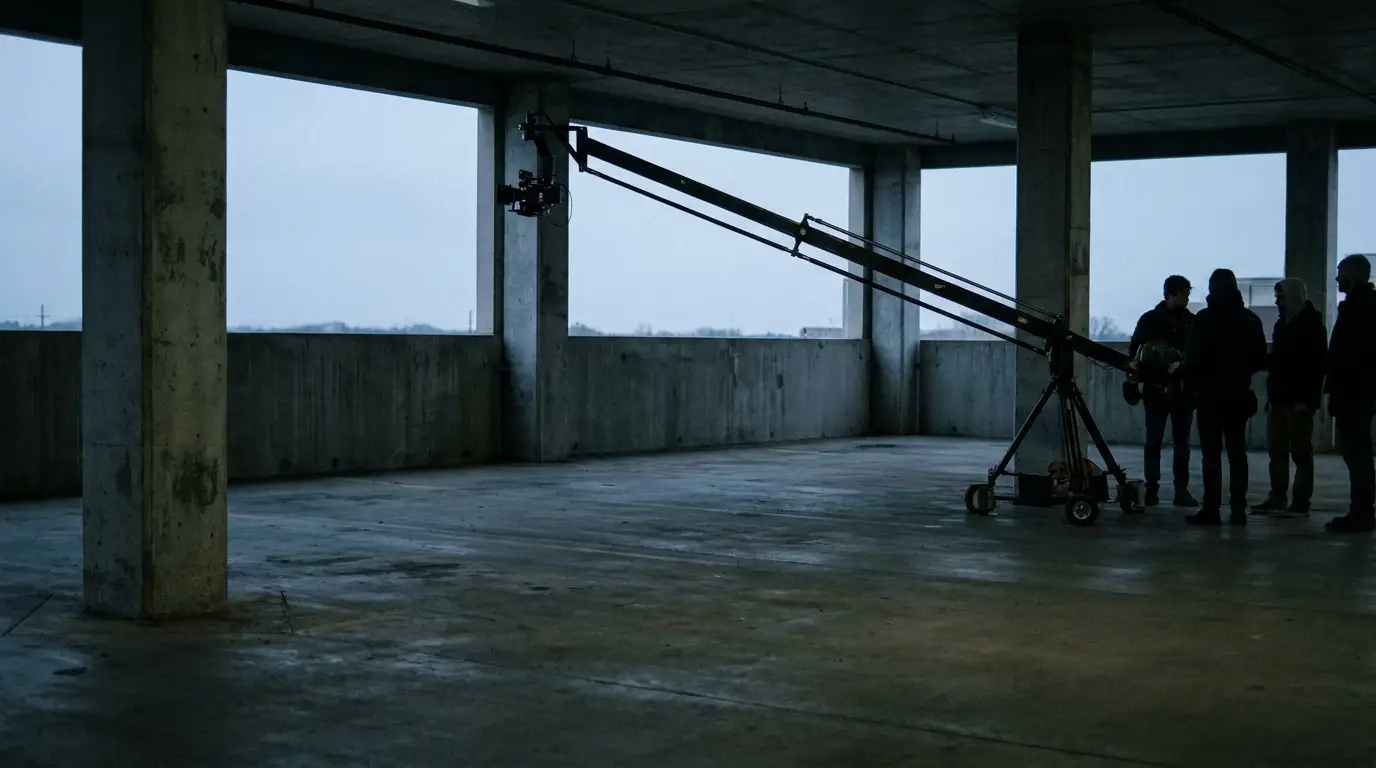
Crane moves lift or lower the whole camera, and output frequently confuses them with tilts.
The crane up reads best when you tell the model what the elevation reveals: “camera cranes up above her, revealing the empty parking bays below.” Without the reveal, the move stalls after a meter of lift. The crane down is less reliable, and in a third of our tests it became a tilt down from a fixed position.
The pedestal raises or lowers the camera without changing its angle, a distinction most models do not make. If the angle must stay level, say so: “camera rises vertically, lens stays level, no tilt.”
The jib and the boom behave as synonyms for crane everywhere we tested. The top shot, which cranes up and tilts down to a full overhead, needs both halves described in sequence or you get only one. The earth zoom out, a pull back that continues to orbital altitude, works only when you name the intermediate scales: street, city, continent, planet.
Family Five: Compound Signature Moves
These named shots combine two or more primitives, and they carry the most cinematic weight.
The dolly zoom, also called the Vertigo effect, requires the camera to dolly in while the lens zooms out, holding the subject the same size while the background warps. This is the single most commonly requested move and the most commonly failed. The phrasing that worked for us was mechanical rather than stylistic: “camera dollies in while lens zooms out, subject remains the same size in frame, background stretches and distorts.” Naming the effect alone produced a plain push in more than half the time.
The crash zoom is a violent, fast push to close-up. Describe the violence and destination together and keep the clip short, because models that handle the speed still lose the framing if the shot continues.
Bullet time works as two instructions in sequence: the subject freezes mid-motion, then the camera orbits the frozen figure. Asking for it by name produced slow motion without the orbit.
The parallax move slides laterally while foreground and background separate at different rates. It is the most underrated move here, because it produces obvious depth with little risk of failure. The FPV drone shot works when you name a path rather than a feeling: “camera flies forward through the pillars, banking left around the third column.”
Family Six: Handheld and Energy Moves
These moves add instability deliberately, and models overshoot every time.
Handheld needs a magnitude attached. “Subtle handheld movement, slight sway” produced usable footage. “Handheld camera” alone produced shake severe enough to look like an earthquake in four of six systems. Shaky cam follows the same rule and should be paired with a limiter such as “minor, controlled shake.”
The steadicam glide is the opposite request and the one most often ignored, because stillness is harder for these models than motion. Phrase it positively: “smooth steadicam glide, floating and level” beats “no shake” by a wide margin.
The locked-off shot, meaning a completely static camera, is the hardest instruction of all. Every model introduced some drift. If a genuinely static frame matters, generate at higher resolution and stabilize in post rather than fighting the prompt.
The Prompt Formula That Works
Across all forty moves, one structure outperformed everything else. Lead with subject and setting, state the camera move as a discrete clause, add the constraint that must hold during the move, then close with lens and lighting.
In practice that reads as: “A woman in a charcoal coat stands in an empty parking structure at dusk. Camera orbits her clockwise at waist height. She remains centered in frame throughout. Shot on a 35mm lens, cool ambient light.”
The constraint clause is the part most people omit, and it does the heaviest lifting. Motion instructions without constraints give the model freedom it will use badly. Telling it what must not change is how you buy control over what does. This structure ports cleanly between models, which is why testing inside a single Free Online Video Generator such as ImagineArt saved us hours of rewriting.
Where the Models Still Fail
Three failure patterns appeared everywhere, regardless of which AI video generator produced the clip. Speed adverbs are unreliable: “slowly” and “quickly” shift execution far less than restructuring the sentence. Moves longer than six seconds degrade, with drift and identity loss compounding. And any move that shows the back of a subject’s head risks changing that subject, which is why orbits and spins carry a re-roll cost the other families do not.
The nine terms that failed outright were mostly compound jargon: snorricam, contra-zoom, reverse tracking pull, roll-and-reveal, whip tilt, spiral crane, vertigo drop, trombone shot, and hitchcock zoom used without explanation. Each works once you describe the mechanics instead of naming the move.
Stacking Moves Without Breaking the Shot
Two moves in one clip is the practical ceiling, and they must be sequenced with a clear handoff rather than blended. “Camera pushes in for two seconds, then holds and pans left” succeeded consistently. The same pair requested simultaneously produced an unreadable diagonal drift almost every time.
When you need a genuinely complex move, generate two clips with a matched final and first frame, then cut them together. That is faster than re-rolling a compound prompt fifteen times, and it gives you an edit point you control.
Using This Library
Treat these forty moves as a working vocabulary rather than a rigid checklist to follow. The value lies in understanding that every reliable instruction names a mechanism, names a constraint, and quantifies a magnitude. Any move described that way has a fair chance of surviving to the render, including moves nobody has named yet.
If you want to test the phrasing above without building a stack first, run it through a Free Online Video Generator such as ImagineArt and compare the same prompt across models before you commit to one. The differences show up within a handful of clips, and they are usually decisive.