


A useful home network plan considers coverage, device demand, security, and the physical layout of the rooms it serves.
A household may ask one internet connection to support a video meeting, online gaming, streaming television, smart doorbell, and several phones at once. The service plan matters, but router placement, walls, floors, interference, and device locations can also affect the experience.
Someone comparing mesh WiFi systems may be tempted to begin with hardware specifications. A practical starting point is the household itself: which rooms need dependable connectivity, what happens in them, and where the internet connection enters the home.
Home WiFi Coverage Starts With the House Layout
Square footage cannot describe every wireless challenge. Thick walls, multiple floors, building materials, and distance between equipment and devices may affect WiFi coverage. A router inside a cabinet or at one end of the house can encounter additional obstacles.
Consider a two-story home where the connection enters downstairs, while a home office and streaming setup sit upstairs. Residents can identify those high-use locations and the barriers between them.
How Mesh WiFi Supports a Multi-Room Connected Home
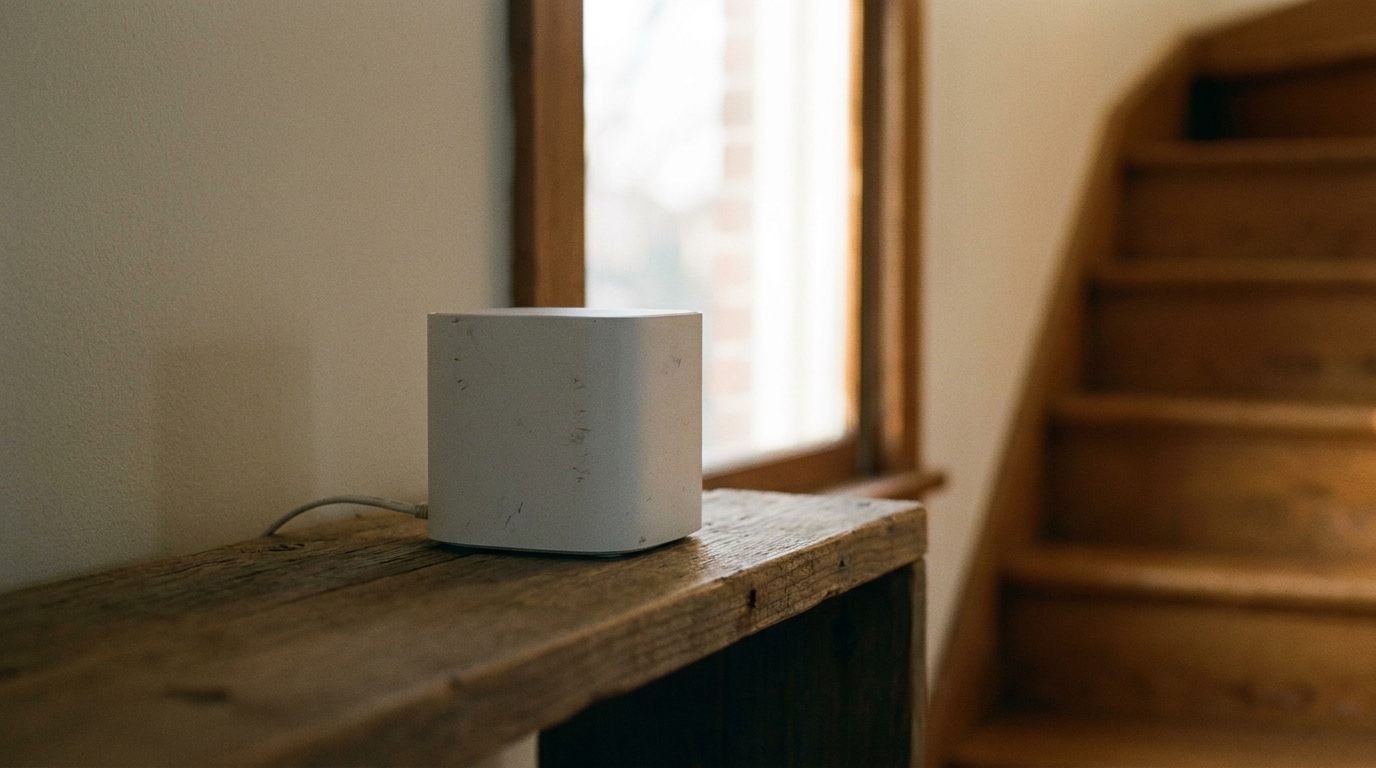
A mesh network, like NETGEAR’s Orbi Series, uses multiple coordinated WiFi access points rather than one broadcasting location. Each node serves part of the home, and compatible devices may move between coverage areas.
Poor spacing may affect communication between nodes, while unnecessary units can add complexity. Open locations away from major obstructions are generally preferable to hidden corners. Where practical, wired backhaul can directly connect access points.
Mesh does not suit every household. Performance varies with construction, interference, internet service, hardware, placement, and device capabilities.
Planning WiFi for Work, Streaming, Gaming, and Smart Devices
Different activities have different requirements. A work call benefits from consistency, gaming may be sensitive to latency, and high-resolution streaming uses substantial bandwidth. A smart camera or doorbell may need coverage far from the primary router.
Imagine one resident presenting during a video meeting while another streams a film upstairs and a camera uploads activity near the entrance. Mapping these uses by location can help identify whether the concern involves the internet plan, wireless coverage, device demand, or several factors together.
Home WiFi Security Should Be Part of the Setup
Households should replace default administrative credentials, use strong and unique passwords, select WPA3 encryption, and install available firmware updates.
The National Institute of Standards and Technology (NIST) advises home users to avoid reusing passwords, enable automatic updates where possible, and consider a separate network for smart-home devices. When supported, separating connected appliances from computers holding sensitive files can add another layer to the plan.
Simple Ways to Plan a More Reliable Home Network
Residents can list the rooms where connectivity matters most, note physical barriers, and count the types of devices that regularly connect. Those observations provide a basis for choosing router or access-point locations.
After installation, they can test the network where they work, stream, play, and use smart devices. If a room performs poorly, moving an access point may be worth trying before adding equipment. Security settings, credentials, and updates should also be reviewed during setup.
Creating a Connected Home That Fits Everyday Use
A useful home network reflects both the building and the people inside it. Coverage, placement, security, device demand, and wired options deserve consideration together.
No WiFi design can promise identical performance in every room. Testing everyday activities and adjusting placement can help residents plan around observed needs instead of assumptions.
Home WiFi and Mesh Network FAQ
What is the difference between mesh WiFi and a traditional router?
A traditional setup commonly relies on one primary broadcasting point. A mesh network coordinates multiple access points across the home.
Where should WiFi access points be placed?
Open locations near areas needing coverage are generally preferable to cabinets, floor-level corners, and spaces behind major obstructions.
Can mesh WiFi help in a multi-story house?
Distributed access points may extend coverage between floors, but results depend on placement, building materials, interference, and hardware.
Does adding more mesh nodes always improve WiFi?
No. Extra or poorly positioned nodes do not automatically improve performance. Network design and placement remain important.
How can households make home WiFi more secure?
They can use unique passwords, replace default credentials, install updates, select modern security settings, and separate smart devices where supported.