Comprehending Java Runtime Environment Through Real Application Examples
Most runtime software explanations remain at a high and conceptual level, encompassing how any program goes from code to execution irrespective of the language involved. This piece takes a more practical and narrower route: it specifically look at the Java Runtime Environment, explains real-world Java Application Programs Examples, and sends new programmers toward foundational texts such as Structure and Interpretation of Computer Programs that transform how good software can be written in the first place, irrespective of which runtime or language executes it.
What Is the Java Runtime Environment?
Before you understand Java Runtime Environment, you will have to know what is a Runtime Environment. The Java Runtime Environment, shortened to JRE, is the specific software package that enables a computer to execute programs in Java. It bundles the JVM (Java Virtual Machine), the core class libraries, and supporting files required for execution, without including the development tools a programmer would utilize to actual write and compile that code. In practical terms, if a user downloads a Java-based desktop app and it simply asks for “Java” to be installed, it is almost the JRE that gets references, not the entire development toolkit.
A straightforward way to separate the related terms:
- JDK (Java Development Kit) – Leveraged by developers to write, compile, and debug Java programs; it involves the JRE plus debuggers, compilers, and other tools of development.
- JRE (Java Runtime Environment) – Utilized by servers and end users to run Java programs that is already-compiled; it does not involve a compiler and cannot be utilized to create a new software.
- JVM (Java Virtual Machine) – The core engine existing inside the JRE that really translates Java bytecode into instructions the hardware and operating system can implement.
This distinction is important since installing the wrong package is a common source of confusion, specifically for beginning setting up a machine for the very first time. A user only needs to execute Java app, like a game or desktop tool, often only requires the JRE installed, not the entire development kit, which avoids unnecessary complexity and saves disk space. On the other hand, developers always require the JDK, since it involves the JRE as one of its components along with tools needed to actually create a working code.
Java Application Programs Examples in the Real World
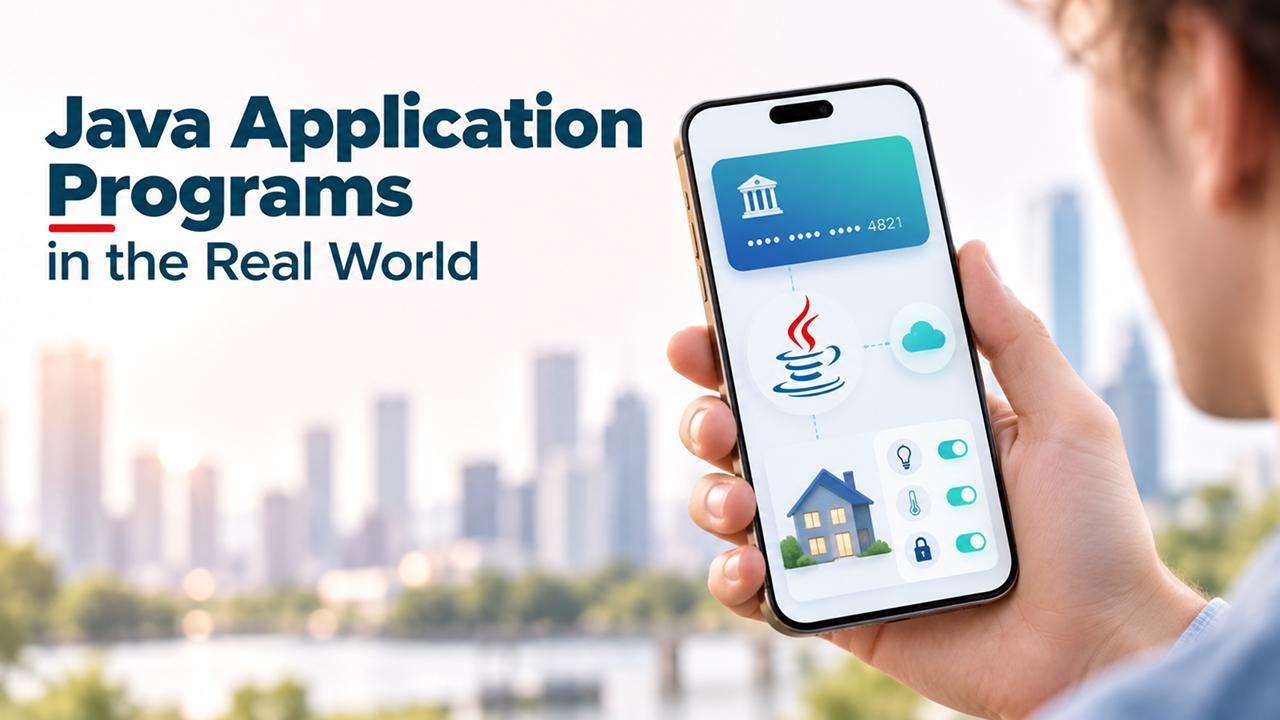
- Enterprise Business Systems – Large-scale banking solutions, inventory management systems, and insurance claim processors run on Java frequently due to its backward compatibility, stability, and lasting support across versions, which is enormously important for software expected to run for more than 10 years or more.
- Android Applications – While advanced Android development has considerably shifted toward Kotlin, a considerable share of current apps and shared libraries are still created in Java, implemented through own runtime environment of Java instead of simple desktop JRE.
- Desktop Utility Software – Cross-platform platforms created with frameworks such as Swing or JavaFX depend on locally installed JRE to consistently run on macOS, Windows, and Linux without needing separate versions for every operating system.
- Data-processing and Scientific Tools – Apps that must run across research labs identically with distinct operating systems typically choose Java specifically for that portability, since calculations and results must exactly match irrespective of the machine utilized.
- IoT and Embedded Devices – Specific industrial control system and smart devices leverage compact Java runtimes aligned to constrained hardware environments where processing power and memory are limited.
- Web Application Servers – Numerous backend services and Application Programming Interfaces are built on Java frameworks operating inside a server-side JRE, managing requests at the backend for websites that users never realize are Java-powered or not.
All these examples rely on the same core principle which are covered earlier: a successfully installed JRE enables the same complied program to run without any modification across distinct machine, which is exactly why Java has remained relevant across so many industries such a long time.
Why Are Foundational Programming Texts Still Important?
Comprehending a particular runtime such as JRE is a tool-level and practical skill. However, writing software that really works well needs a separate kind of foundation; this is where classic computer science text plays a crucial role. Interpretation and Structure of Computer Programs, developed at MIT originally and written through Scheme programming language instead of Java, remains one of the most referenced resources for teaching core coding concepts like recursion, abstraction, and state management.
It is important to be accurate here: the book does not teach JRE or Java syntax directly, and readers expecting tutorials on Java will not find one on its pages. What it really teachers are ideas that are relevant no matter which runtime a program runs on eventually, including:
- How to segment a complex issue into reusable and smaller procedures that can be independently understood and tested.
- How recursive thinking streamlines specific categories of problems that would need complex looping logic otherwise.
- How data abstraction enables the internal structure of the program without segmenting the code the relies on it.
- How to carefully reason the behavior of the program before writing large volumes of code, instead of debugging trial and error.
A Java developer who explores materials like this generally writers more maintainable and cleaner programs, even though the syntax they utilize daily looks nothing like Scheme. The runtime implements the code either way. However, the code quality, how simple it is to extend, debug, and hand off to another developer, typically traces back to this level of foundation thinking instead of familiarity with any platform or language.
How Does the JRE Aligns into a Wider Development Workflow?

Version mismatches are a prevalent source of runtime errors, which is why numerous businesses standardize on a particular lasting support Java version across all their platforms. Ensuring that the runtime remains updated is also a security consideration, since the outdated version can carry known vulnerabilities that have been patched in newer releases already.
When Do You Not Need a Runtime Environment at All?
Not every project needs this level of technical depth. Someone developing a small business website, a simple landing page, or a portfolio generally does not consider a compiler, a JRE, or bytecode execution at all. This is precisely the gap that a No Code Website Builder is built to fill, enabling non-technical users to assemble a professional and functional website through a visual interface instead of writing and running a program code. Identifying which category a project exists in, one that requires custom application logic genuinely versus one that just requires a working website, saving considerable budget, time, and prevent redundant complexity for people who have no interest in handling dependencies or runtimes in the first place.
Frequently Asked Questions
Q1. Is the JRE the same as the JDK?
A- No. The JRE just runs already-compiled Java programs only, while the JDK includes all components in the JRE and the tools required to writer as well as compile new code from basics.
Q2. Do I have to understand Java deep to leverage a node-code builder?
A- No. No-code platforms are specifically built so that users do not require any compiler, runtime, or programming background at all to publish a working website.
Q3. Is Interpretation and Structure of Computer Programs written in Java?
A- No, the book utilizes Scheme. However, its lessons on abstractions and problem-solving are broadly applied by programmers working in many other languages and Java, including ones that did not exist when the book was written.
Q4. Can the same Java application operate on any operating system?
A- Yes, as long as a compatible JRE is installed on that system, since the JVM inside it handles the translation between Java bytecode and the underlying hardware and operating system.
Q5. Why do some Java applications fail to run even with a JRE installed?
A- This usually happens when the installed JRE version does not match what the application requires, which is why checking version compatibility is one of the first steps in troubleshooting a Java program that will not launch.
Conclusion
The Java Runtime Environment plays a narrow yet vital role: it allows Java programs that are already written to execute consistently across distinct machines without needing the code to itself change. Seeing that role play out through real Java Application Programs Examples, from enterprise systems to embedded devices to the servers’ running websites in the background, makes the concept far more concrete than a purely technical definition ever could.
For a wider explanation of how the runtime environment works across different platforms and languages in general, a comprehensive breakdown encompassing What Is a Runtime Environment is a valuable next read. And for projects that do not require a runtime at all, a No Code Website Builder proves to be a quicker and simpler path from idea to a live website, without a single line of code in between.