
Creative work moves fast, but the paperwork behind it often slows progress. A musician reviews a contract on a phone while traveling between shows. A journalist highlights key quotes in an interview transcript late at night. A PR team updates a press kit before launch, while a producer scans handwritten lyrics into a digital archive.
Even in a digital-first industry, documents remain central to every project. Contracts, licensing agreements, media kits, and release forms still shape how work is reviewed and approved.
Creators face file conversions, device compatibility issues, remote collaboration gaps, and language barriers across borders. These delays pull focus away from creative work.
Modern creators need centralized document management across devices and teams. AI-assisted PDF tools now solve real workflow challenges in 2026.
Why Document Management Still Slows Down Creative Industries
Creative work may look digital, but much of the day still revolves around documents.
The Reality Behind “Digital” Creative Work
Projects may be streamed globally or published instantly, yet the process behind them relies on documentation. Creators manage contracts, press kits, licensing agreements, interview transcripts, sheet music, and release forms regularly. An indie band reviews a touring contract while traveling. A journalist works through transcripts. PR teams update press kits before release, and producers organize handwritten lyrics into digital archives.
Although the output is digital, the system behind it remains document-driven. Contracts require review, forms need signatures, and materials must be organized and stored properly. Every release depends on structured documentation.
Common Workflow Friction Creators Experience
Managing these documents often creates friction.
Updating contracts or press kits may require repeated file conversions. Switching between tablets, smartphones, and desktops can cause inconsistent access. International partnerships introduce language barriers that slow coordination.
Creators review documents while traveling, sign forms remotely, and collaborate with distributed teams. Without a centralized system, these routine tasks interrupt workflow and reduce productivity.
Cross-Platform Access — Working Anywhere Without Interruptions
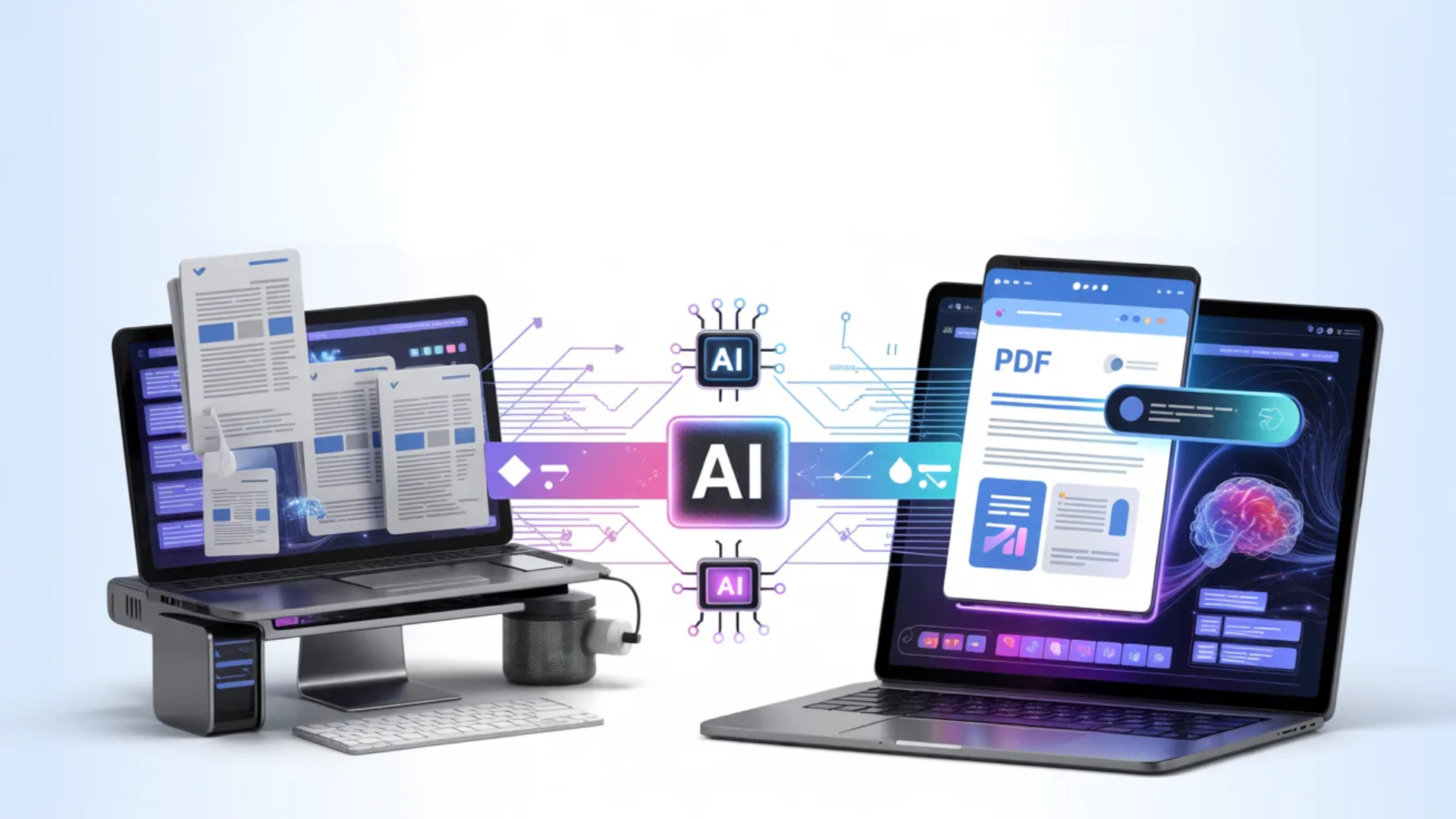
Creative professionals rarely work from one location. Touring artists, journalists, PR teams, and producers move between devices throughout the day.
The Importance of Device Flexibility
UPDF runs on Windows, macOS, iOS, and Android, allowing creators to work across devices without disruption.
A touring artist can review contracts on a tablet, sign forms on a smartphone, and complete detailed edits on a desktop. This flexibility supports work backstage, on the road, or in the studio without having to switch tools.
Cloud Synchronization and Remote Collaboration
Cloud synchronization keeps documents up to date across devices.
Whether finalizing contracts backstage or updating media materials while traveling, files remain accessible and up to date. For distributed teams, working from the same up-to-date document reduces version confusion and improves coordination.
Accessing the same file anywhere removes workflow bottlenecks.
Core Editing Tools That Replace Multiple Apps
Creative professionals often rely on separate tools for editing, annotating, converting, signing, and organizing documents. Switching between programs slows progress. UPDF consolidates these tasks into one platform.
Editing Text and Images Directly Inside PDFs
UPDF allows text and images to be edited directly within PDFs.
Contracts can be revised, formatting adjusted, and new text inserted without converting files. Media kits and proposals can be updated while maintaining layout stability.
Eliminating repeated conversions saves time and prevents formatting errors.
Annotation and Feedback Collaboration
Built-in markup tools include comments, highlights, underlines, and freehand drawing.
Teams can review drafts, discuss licensing clauses, and provide creative feedback directly within the document. Embedded annotations reduce the need for multiple versions and streamline communication.
File Management Features Creators Need
UPDF includes tools for merging documents, splitting pages, rearranging content, filling and digitally signing forms, applying password protection, redacting sensitive information, and converting PDFs to Word or image formats.
These are everyday tasks in creative workflows. Consolidating them into one system reduces administrative overhead.
AI Translation — Solving International Collaboration Challenges
Creative industries increasingly operate across borders.
Growing International Creative Work
Music and media projects often involve cross-border tours, overseas licensing agreements, and multilingual press materials. Artists collaborate internationally, and media coverage spans languages.
When documents are written in different languages, reviewing contracts and materials slows progress. Language barriers delay approvals and coordination.
How AI Translation Helps Teams
UPDF’s AI translation can translate entire PDF files while preserving layout.
Teams can quickly understand foreign-language contracts and review international press kits internally. This reduces reliance on external tools during early review stages.
AI supports early-stage clarity and coordination. Professional translation remains recommended for final legal agreements.
OCR and Digital Archiving — Preserving Creative History
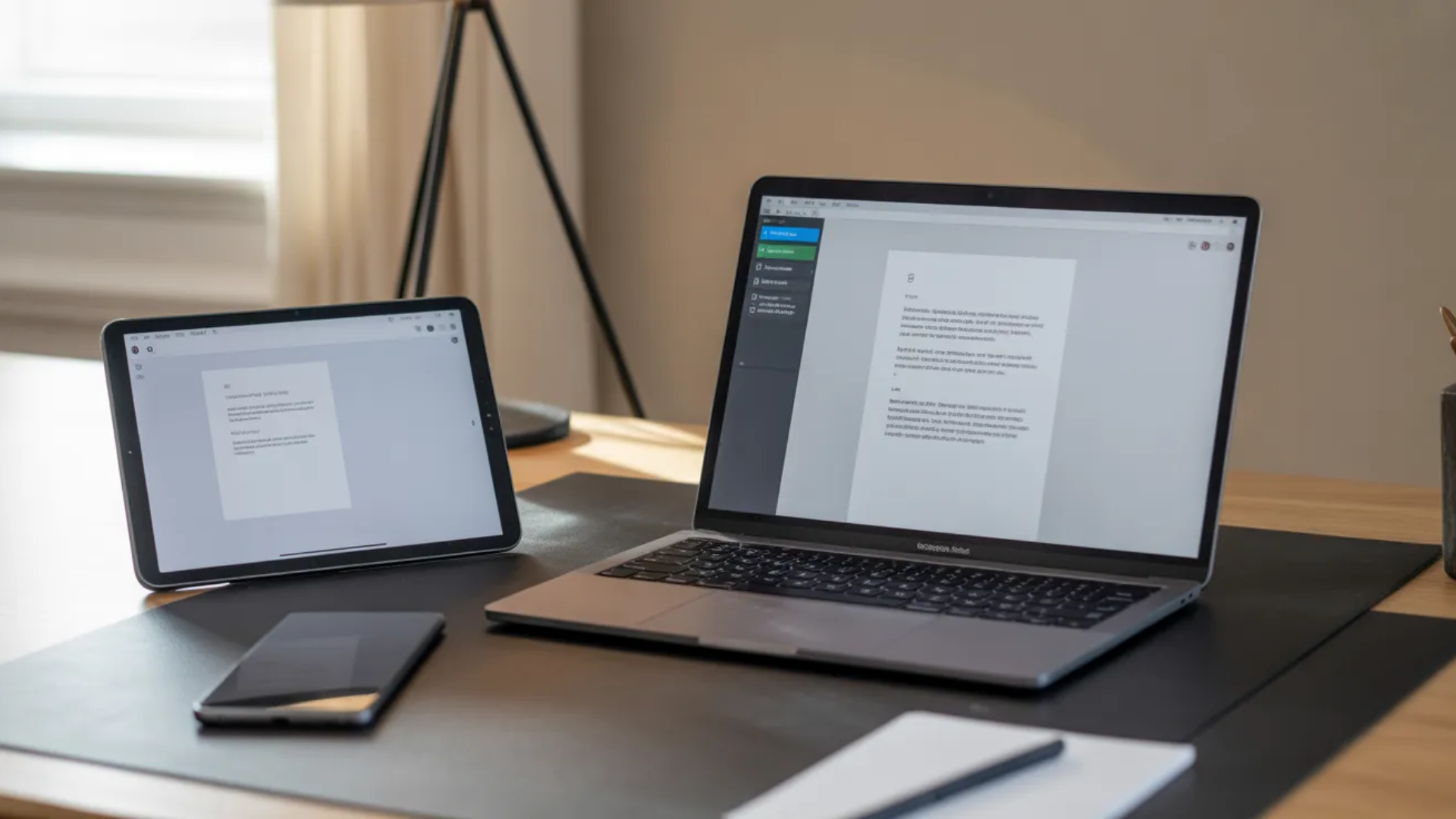
Document management also supports long-term preservation.
The Problem With Paper Archives
Many creators maintain paper archives containing handwritten lyrics, printed contracts, press clippings, and sheet music.
Paper records can be misplaced, damaged, and difficult to search. As collections grow, managing physical files becomes more complex.
Turning Scans into Usable Content
UPDF’s OCR converts scanned PDFs into searchable and editable text.
Users can search keywords, copy content, and update materials that were previously static images. This transforms paper archives into usable digital records.
For artists, labels, producers, and journalists, OCR simplifies organizing legacy materials for future reference.
Why Creators Are Moving Toward All-in-One Document Platforms
As creative work becomes more global and mobile, using separate tools for each task increases complexity.
Replacing Fragmented Workflows
Traditionally, creators used one tool for editing, another for converting, a scanner for paper files, a signing app for agreements, and cloud storage for access. Managing multiple programs adds steps and slows progress.
A unified platform combines these functions into one workflow.
This shift toward consolidation has been led by established platforms that combine multiple tools into a single interface. For instance, Adobe Acrobat has long provided an integrated suite for editing, signing, and file conversion. The recent evolution involves layering AI-powered features on top of these robust systems. With new generative AI capabilities, creators can get quick summaries of long contracts or generate document outlines directly within their PDF workflow, helping them grasp key information without extensive manual review. This approach shows how foundational tools are adapting to meet the demand for more intelligent document management.
Productivity and Time Savings
Consolidation leads to fewer formatting errors, faster approvals, easier collaboration, and reduced administrative workload. By centralizing document tasks, creators spend less time managing files and more time focusing on creative production.
Conclusion
Creative industries continue to rely on structured documentation behind every release, partnership, and campaign. Contracts, licensing agreements, press materials, and archived records remain essential.
As remote collaboration and global partnerships increase, document management becomes more complex. Administrative friction slows creative momentum.
AI-assisted PDF tools streamline editing, annotation, translation, signing, and archiving in a single system. By reducing repetitive tasks and centralizing workflows, solutions like UPDF help creators manage documents efficiently while keeping their focus on creative work.